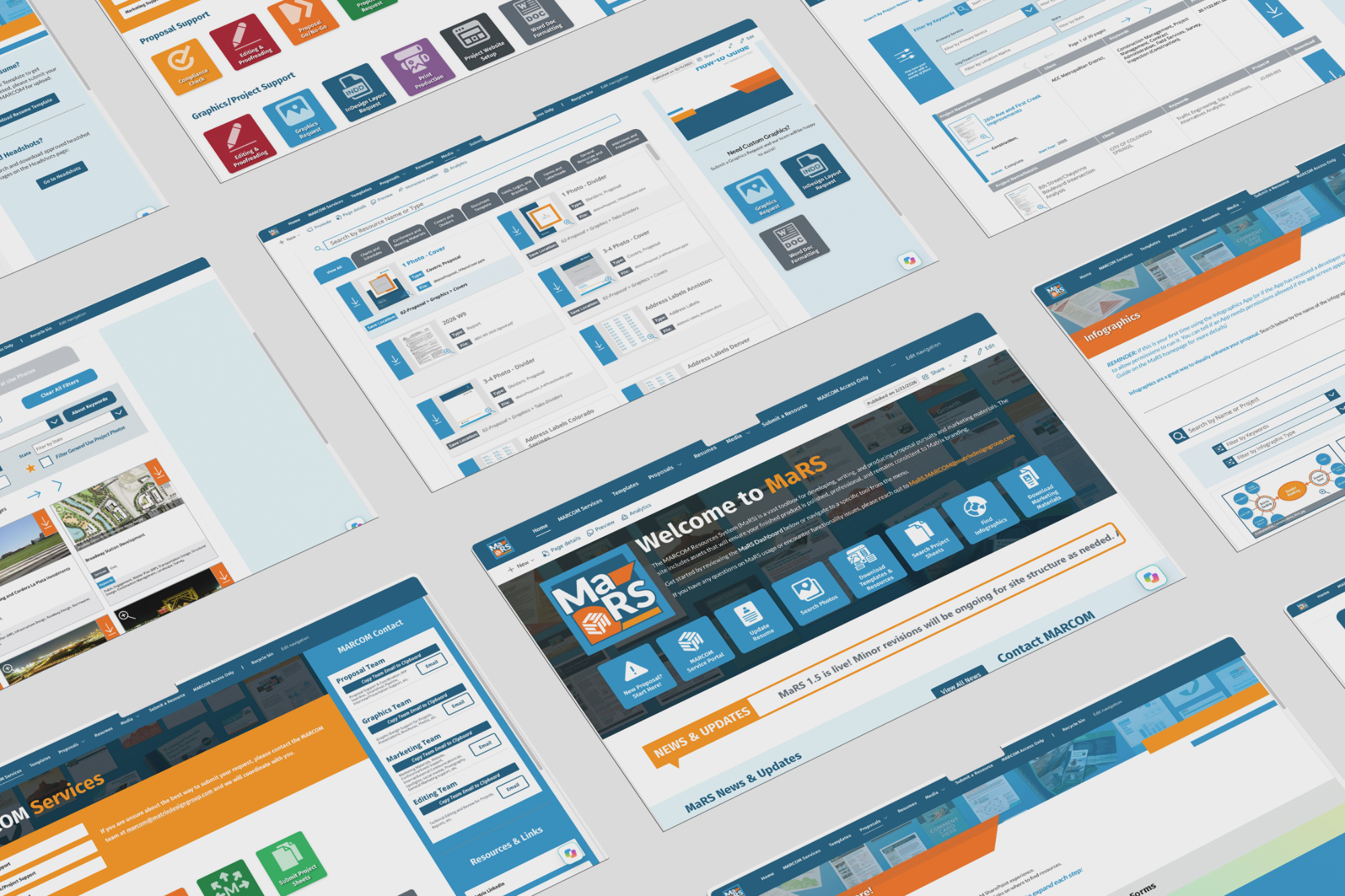
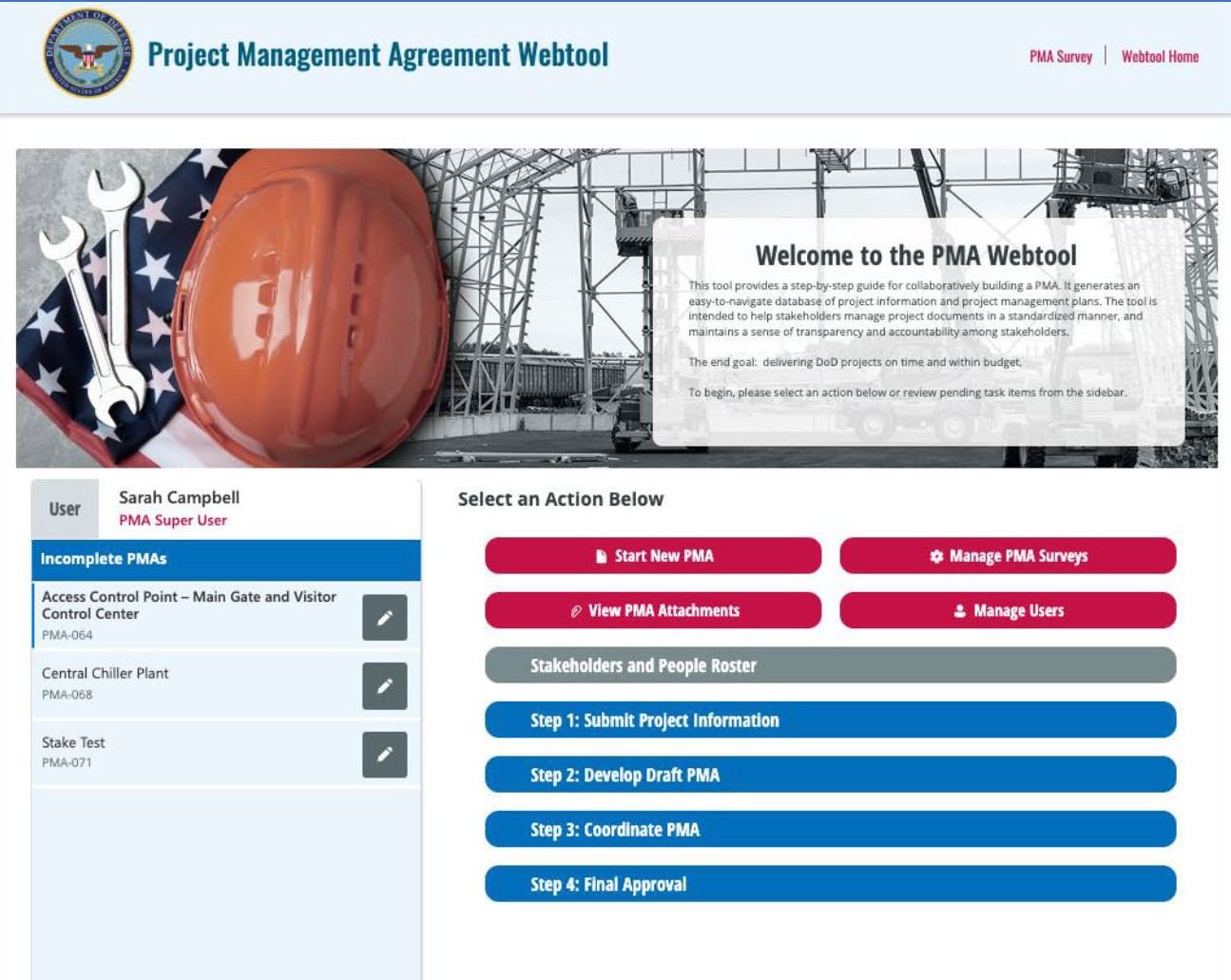
The HUB Intranet
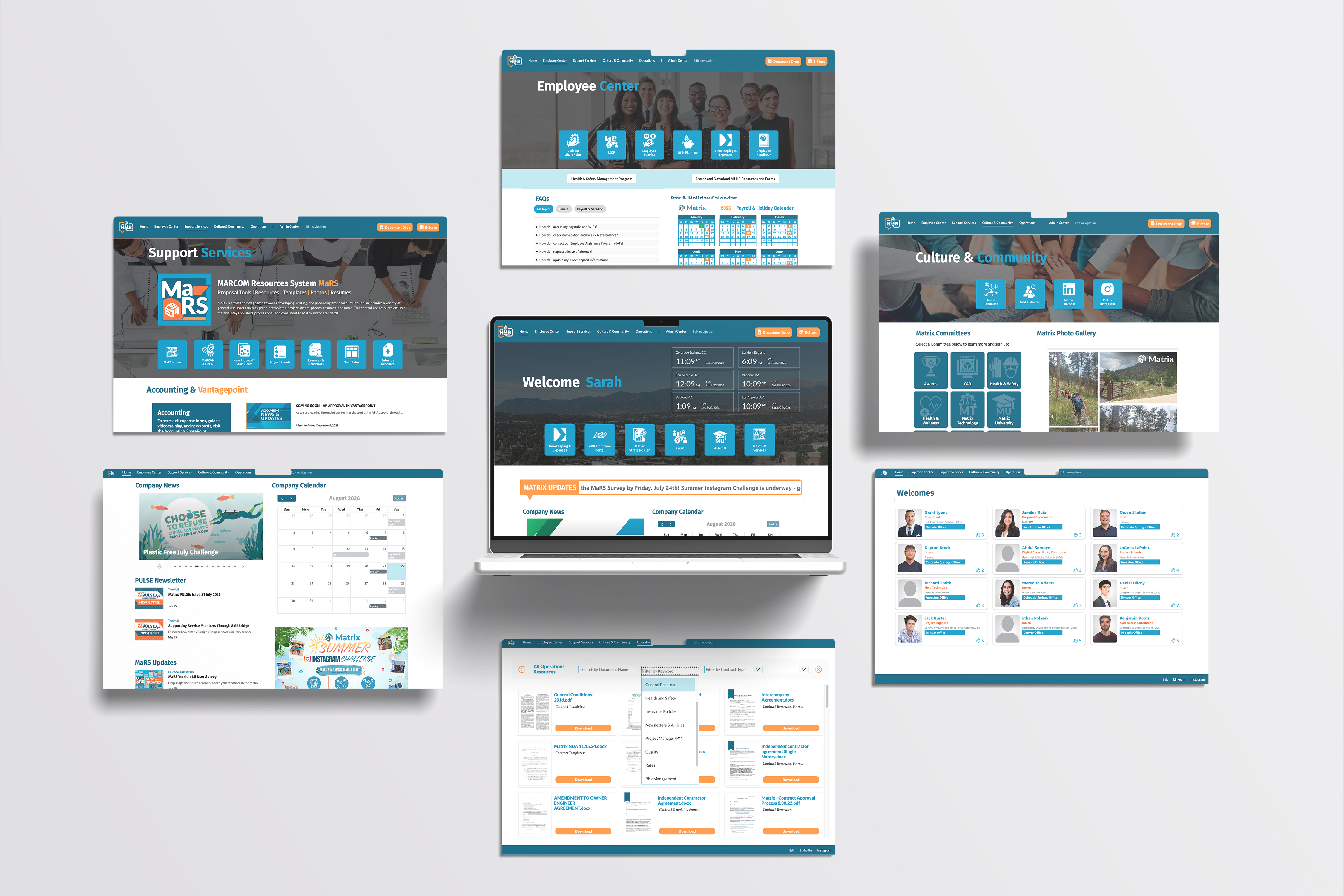
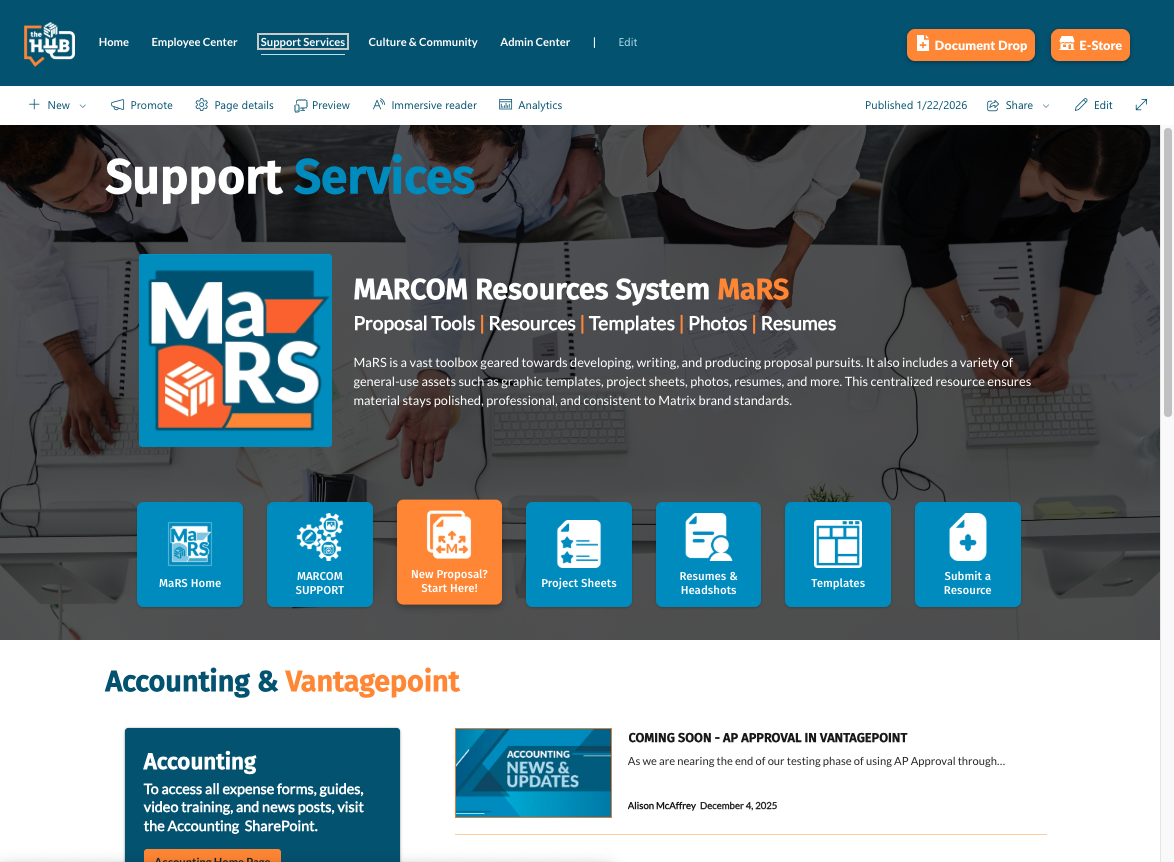
Employees previously relied on inconsistent folder structures and department-managed content to locate company documents, policies, training, and resources. Critical information was difficult to find, duplicate and outdated files were common, ownership was unclear, and sensitive employee information faced unnecessary exposure. The organization needed more than a visual refresh. It needed a practical system for information access, governance, communication, and long-term growth.
The Opportunity
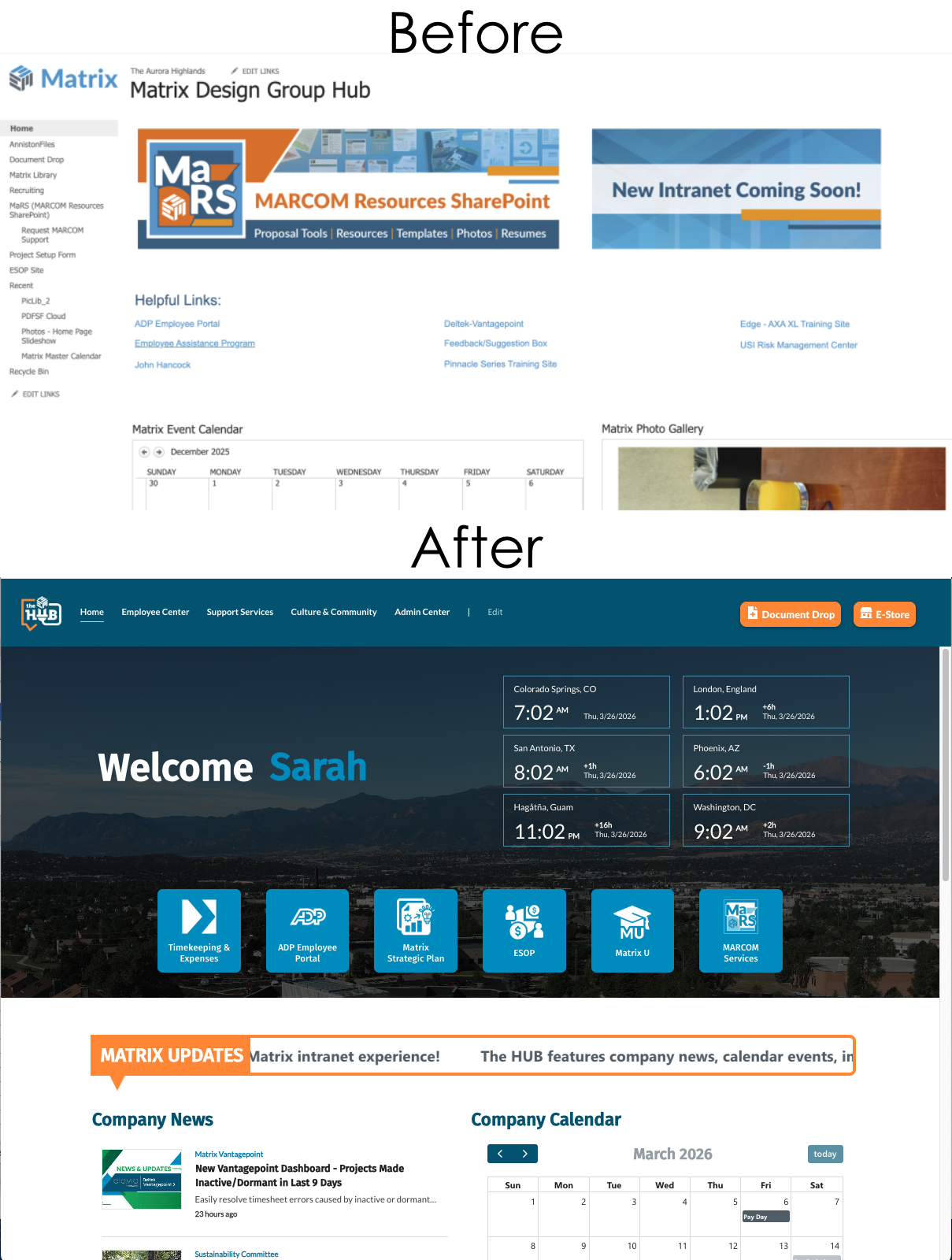
As part of the MARCOM team, I helped transform the existing SharePoint infrastructure into a branded, web-based intranet experience that made company information easier to find, understand, and maintain. The goal was to build a single, approachable entry point for everyday employee needs while giving departments the tools and guidance to own their content responsibly. The result needed to feel intuitive for employees, flexible for administrators, and sustainable for non-technical teams after launch.
The Solution
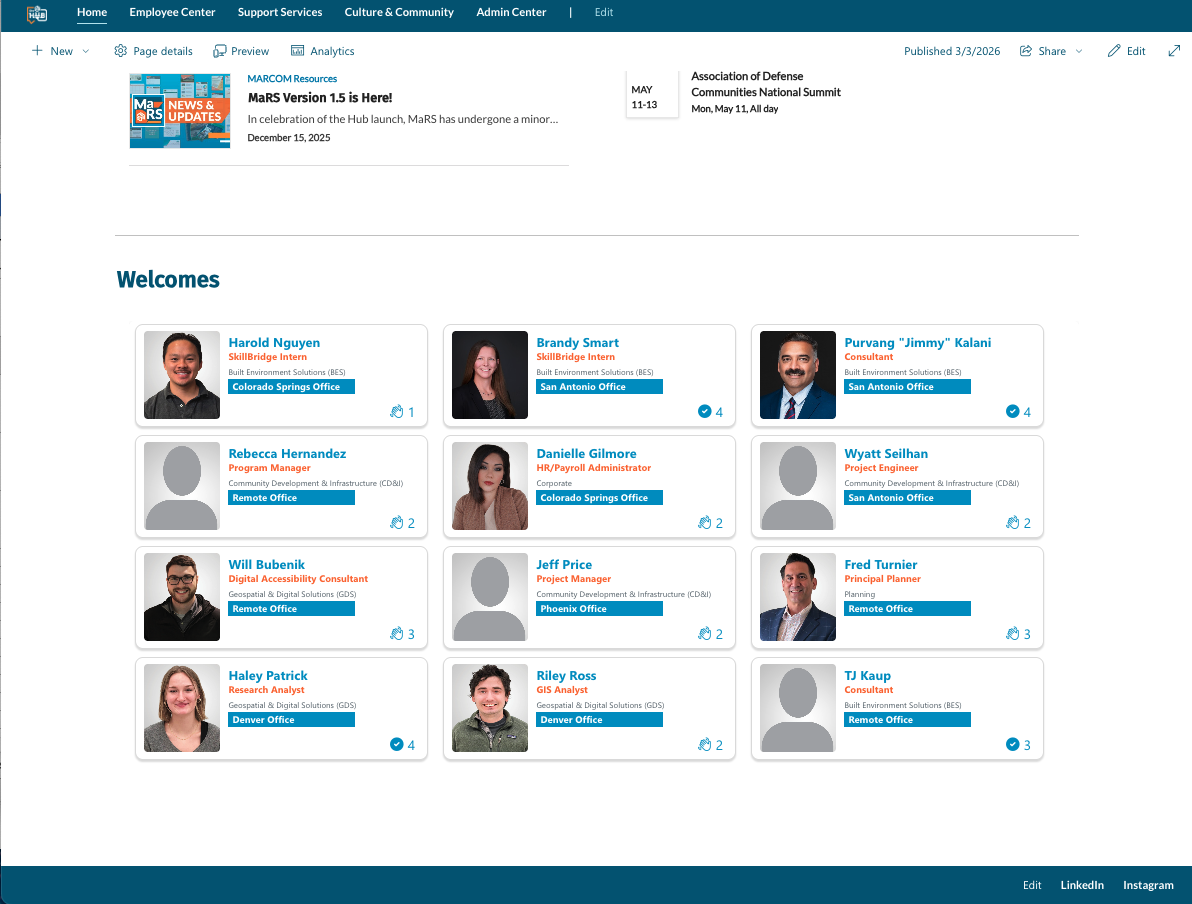
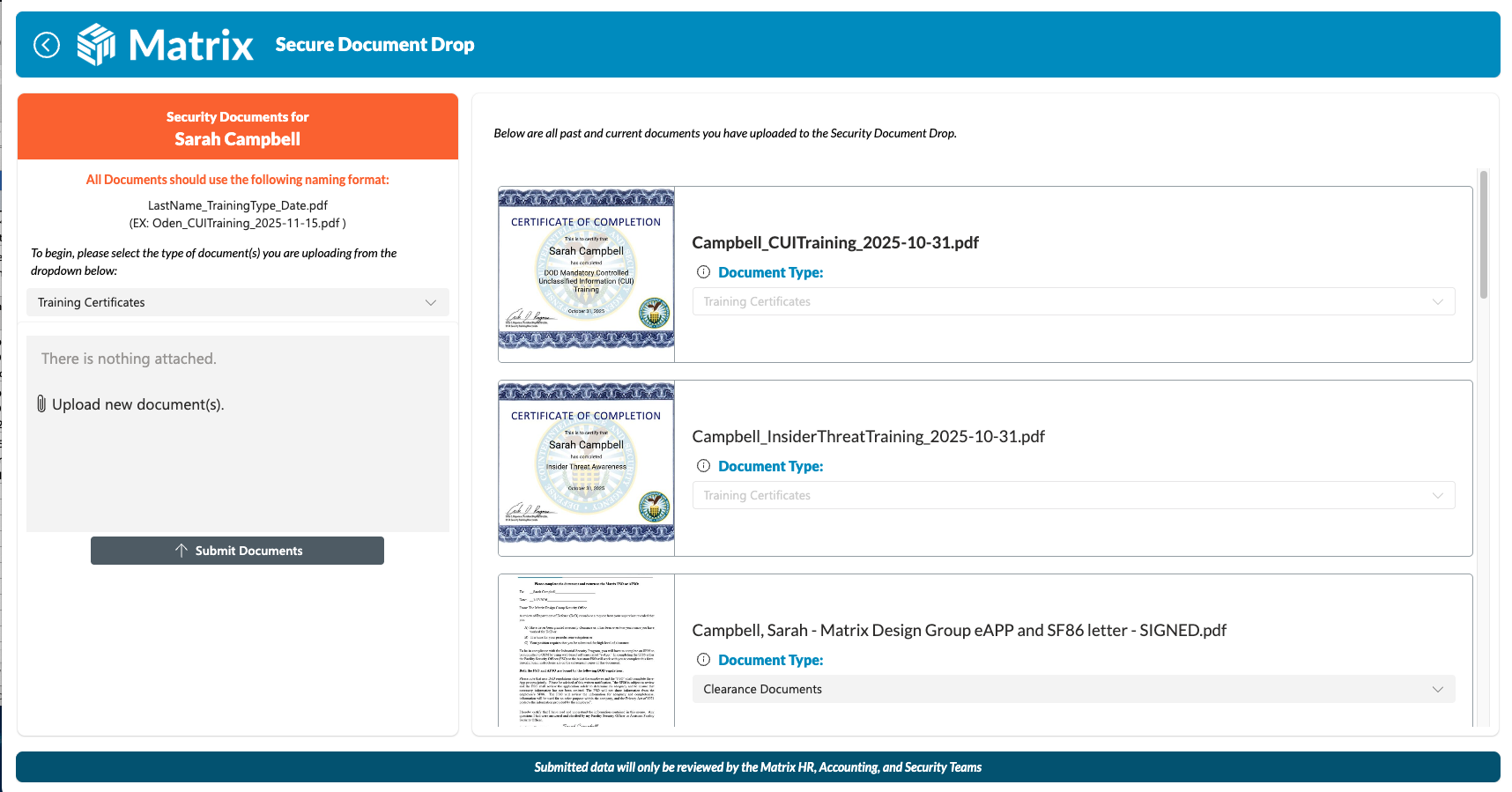
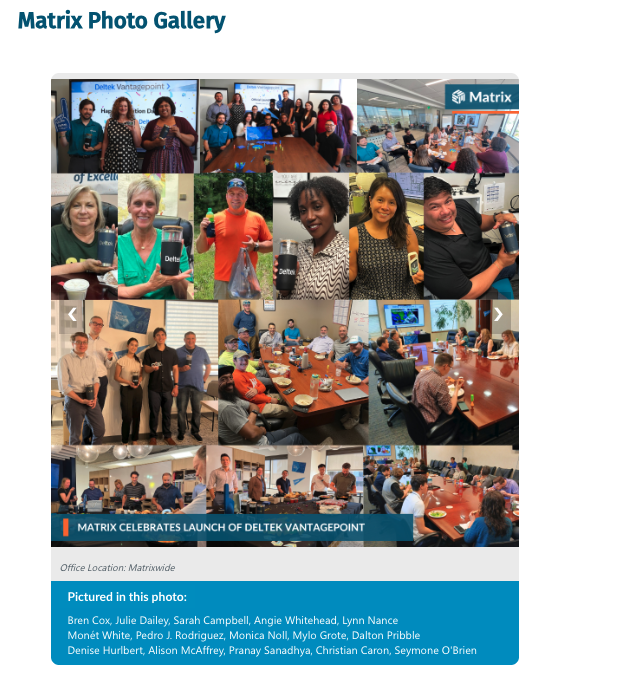
Built with SharePoint Online, Power Apps, Power Automate, and custom SPFx web parts, The Hub became a single access point for company resources, workflows, news, benefits, policies, and internal initiatives. The system included 4 Canvas Apps, 10 custom SPFx web parts, and 7 connected SharePoint sites. SharePoint lists and libraries formed the core data layer, creating a structure that could be maintained by department teams without requiring advanced technical support for routine updates.
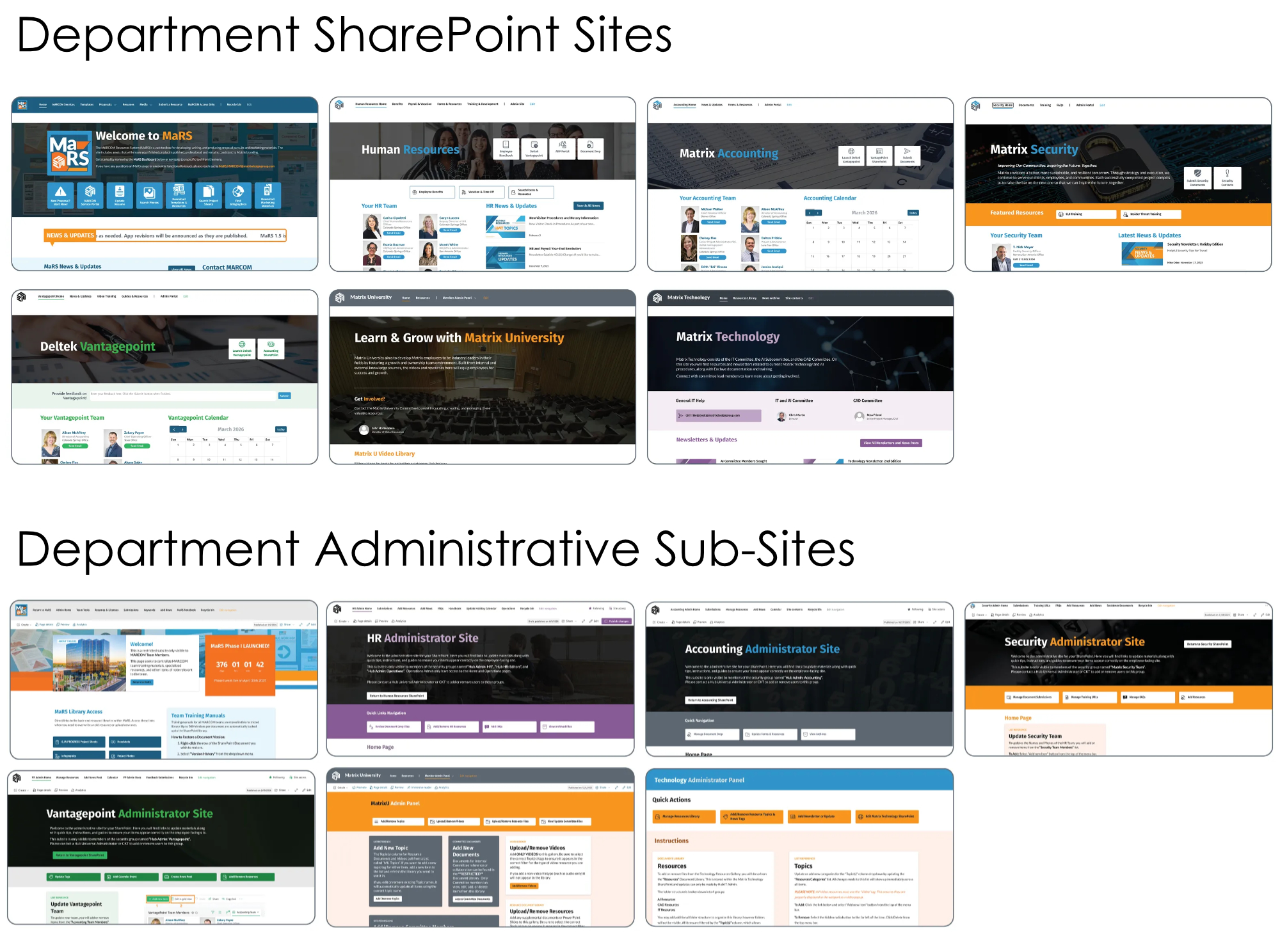
The Hub also connected 7 dedicated department spaces to the main employee-facing experience. Each department could manage its own documents, trainings, and resources while remaining connected to shared company-wide information and visual standards. To support the transition, I designed administrative subsites for each department. These spaces included documentation, process write-ups, and step-by-step instructions so department teams could understand how their sites worked and follow shared standards consistently.
Designing for Adoption and Sustainability
Several decisions kept the project grounded in real organizational needs.
SharePoint over Dataverse
Because each department would maintain its connected site content and backend, SharePoint was the most practical core data source. Teams already understood its structure, making it easier to support decentralized ownership without introducing unnecessary complexity.
Canvas Apps over model-driven apps
Canvas Apps offered greater flexibility for custom UI design, filtering, search, and file interactions. This made it possible to build tailored download and viewing logic that responded to the type of file being accessed.
Logic and automation
Most system logic lived within the Canvas Apps and SPFx web parts. Power Automate was used selectively, primarily to notify relevant teams when SharePoint files or items were created, updated, or deleted.
Security and governance
Microsoft Entra ID group-based permissions restricted sensitive information to the appropriate audiences. Combined with clearer information architecture, standardized ownership, and custom admin guidance, this reduced prior exposure risks while supporting better long-term governance.
Launch and Iteration
The Hub was delivered as a minimum viable product within an aggressive timeline. Department leads shaped the system’s functions directly, and while there was no formal beta period, the team completed a focused QA/QC review before launch.
Post-launch improvement cycles were built into the approach from the beginning. Functionality and interface refinements continue to respond to live user feedback, department needs, and emerging opportunities to improve usability.
Result
The Hub turned a fragmented SharePoint environment into a trusted, actively used digital workplace. It improved access to resources, strengthened internal communication, reduced operational friction and information risk, and created a scalable foundation for employees and department teams to work more consistently.